Online Scams in 2026, online scams are more common, more convincing, and more dangerous than ever. With millions of people relying on the internet to shop, bank, work, and communicate, fraudsters have found new ways to trick users into giving away their personal and financial information. One of the most widespread and damaging types of fraud is phishing a scam where attackers pretend to be trusted companies to steal your data.
This article explains what phishing scams are, why they’re still effective, how scammers trick you, and most importantly, how you can protect yourself in 2026 and beyond.
Table of Contents
Online Scams in 2026: What Are Phishing and Fraud Attacks?
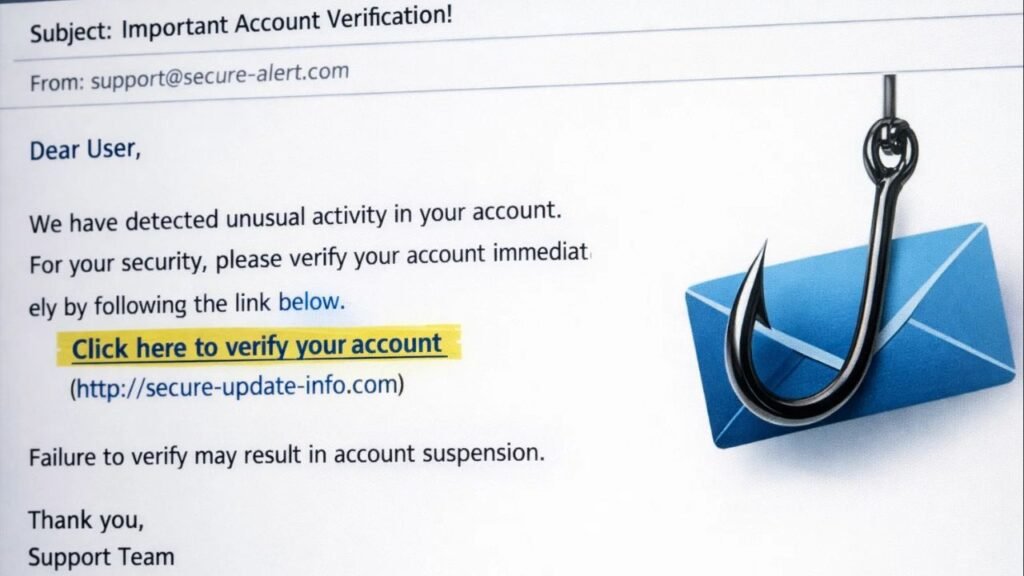
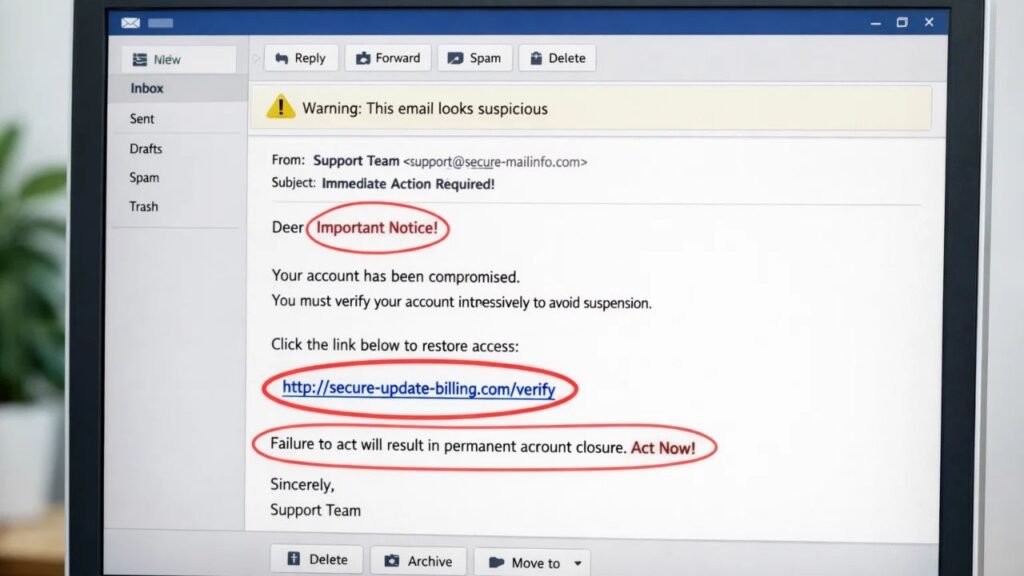
Phishing is a type of online scam where criminals send fake messages usually emails, text messages, or social media messages that look like they come from legitimate companies or services you trust. These scams aim to steal sensitive information such as passwords, bank account numbers, Social Security numbers, or even login details for your email and apps.
Scammers use clever tricks such as:
- Fake email addresses that look real
- Company logos copied from legitimate sites
- Urgent messages that warn you about a “problem” with your account
- Links to dangerous websites that steal your data
All these make phishing scams hard to spot at first glance.
Why Phishing Scams Still Work
Even though most people know about online scams, phishing continues to succeed because:
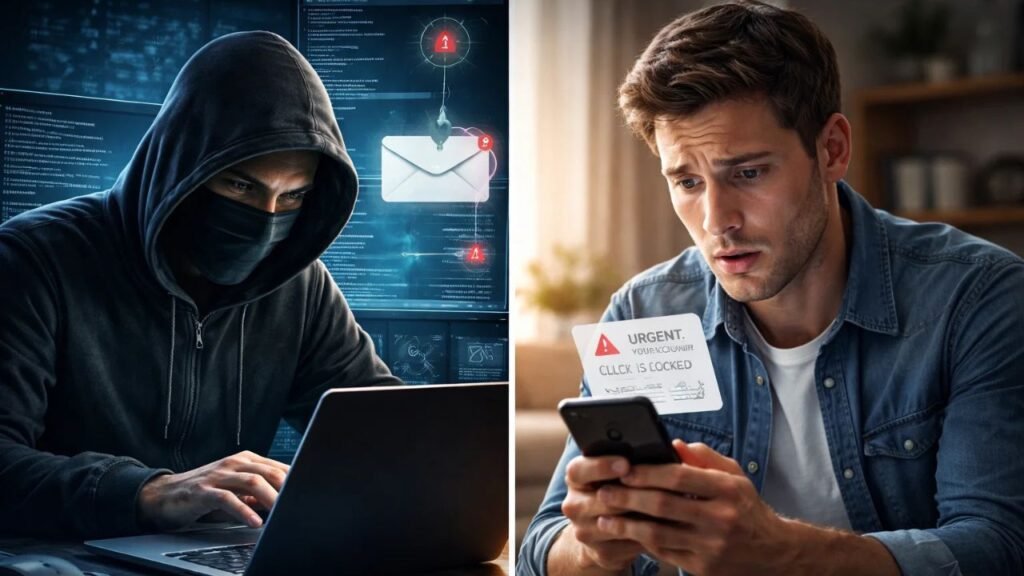
1. Scammers Use Urgency
Messages often say your bank account is locked or a payment is overdue pushing you to act fast without thinking.
2. They Pretend to Be Trusted Sources
Scammers mimic companies like banks, utility providers, or popular brands, making their messages seem real.
3. They Exploit Human Trust
Some messages even use your name or real account details to look genuine, making it easier to fall for the trick.
How to Recognize Online Scams in 2026
Here are some red flags that a message might be a scam:
Unsolicited Messages
If you receive a message you didn’t expect especially one asking you to click a link or open an attachment be cautious.
Suspicious Links
Never click on links in unexpected emails or texts. Scammers hide dangerous websites behind links that look real.
Requests for Personal Information
Legitimate companies won’t ask you to send your password, Social Security number, or other sensitive information via email or text.
Generic Greetings
Messages that start with “Dear user” or your email instead of your real name could be fake.
Too-Good-To-Be-True Offers
If a message promises huge refunds or free prizes out of the blue, it’s likely a scam.
7 Simple Ways to Protect Yourself
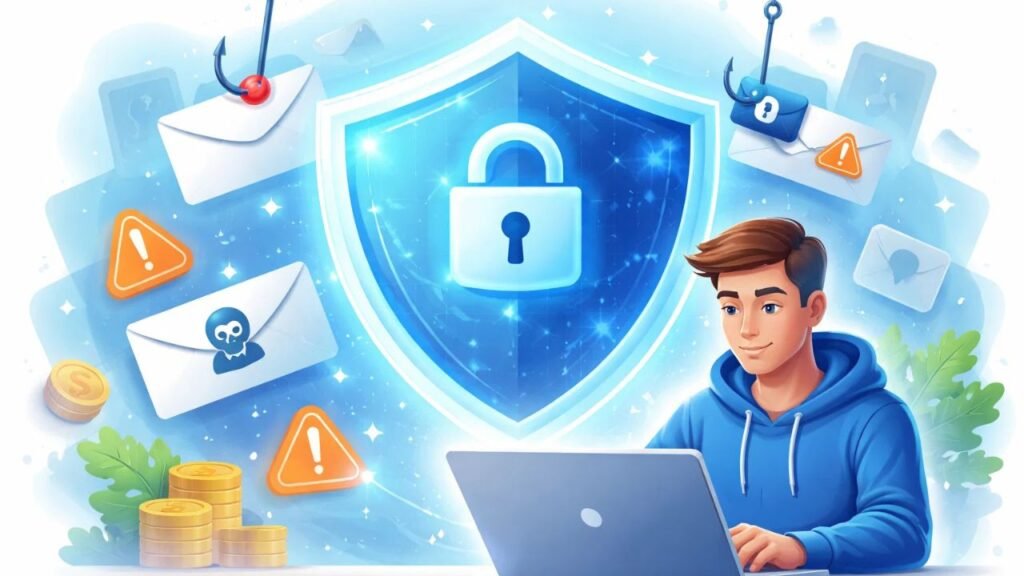
1. Don’t Click Unknown Links
Never click links in unsolicited messages. If you’re unsure, go to the official website or app directly.
2. Use Spam Filters
Most email services like Gmail or Outlook have strong spam filters that block suspicious emails before they reach your inbox.
3. Enable Multi-Factor Authentication (MFA)
MFA requires two forms of verification (like a password + phone code), making it much harder for scammers to access your accounts.
4. Update Your Security Software
Keep your antivirus and operating system up to date so you have protection against known threats.
5. Be Skeptical of Urgent Messages
Scammers rely on fear and urgency to trick people. Slow down and think before reacting.
6. Verify Contact Methods
If a message claims to be from a company, don’t reply or use the contact details in the message. Instead, find the phone number or website yourself.
7. Report Suspicious Messages
Forward phishing emails to anti phishing groups and report them to authorities like the Federal Trade Commission (FTC).
What To Do If You Fell for a Scam
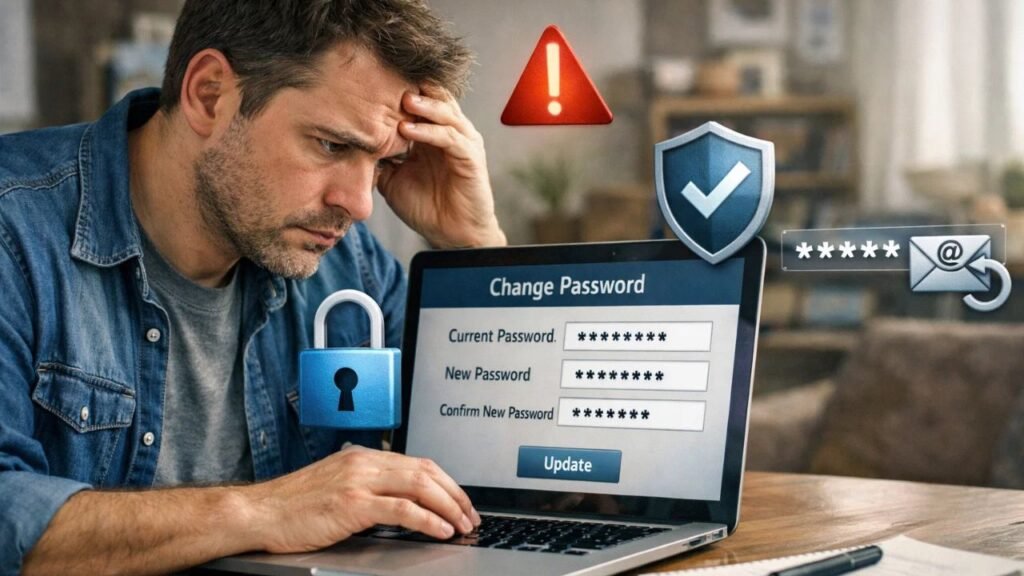
If you accidentally clicked a link or provided personal information:
- Change your passwords immediately
- Contact your bank if financial details were exposed
- Run a security scan on your device
- Report the scam to official authorities
- Monitor your accounts for any suspicious activity
Taking quick action can help reduce the impact of a scam.
Trend in 2026: Smishing, AI, and Evolving Scams
Common Types of Online Scams in 2026
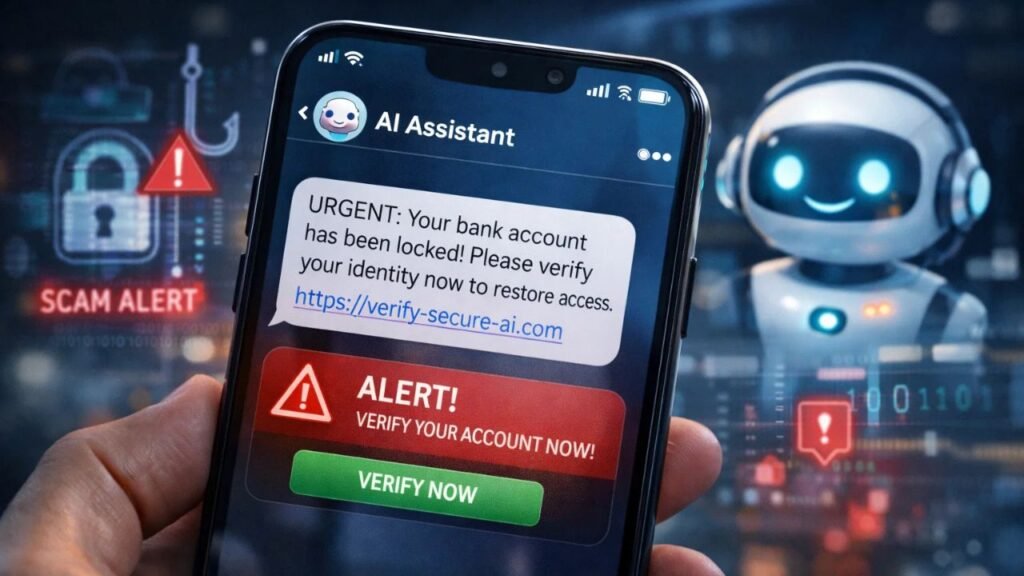
Phishing is no longer limited to emails. In 2026, scammers use:
- Text messages (smishing)
- Fake QR codes (quishing)
- AI-generated messages that look highly realistic
These trends make it even more important to stay vigilant and follow best practices for online safety.
Final Thoughts
Online scams and phishing attacks are a growing threat in 2026, but knowledge and caution are your best defenses. Knowing how scammers operate and how to protect your personal information can save you from financial loss, identity theft, and stress.
Stay aware, stay informed, and always think twice before clicking a link or sharing your details online.

Recommended Resources (For Readers)
FTC Phishing Help: https://consumer.ftc.gov/articles/
Report phishing: https://reportfraud.ftc.gov
